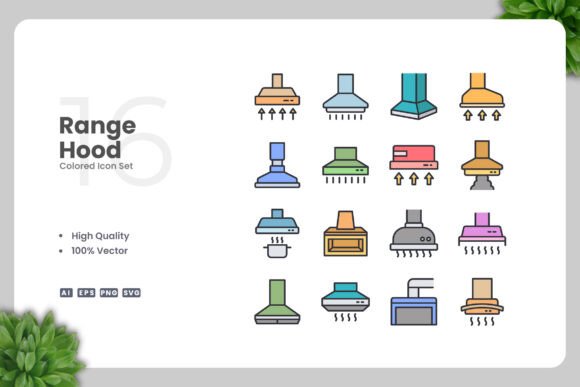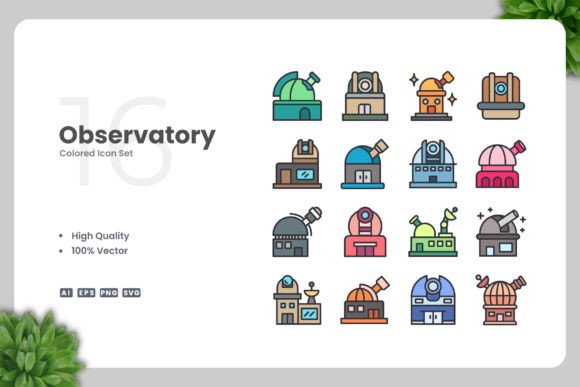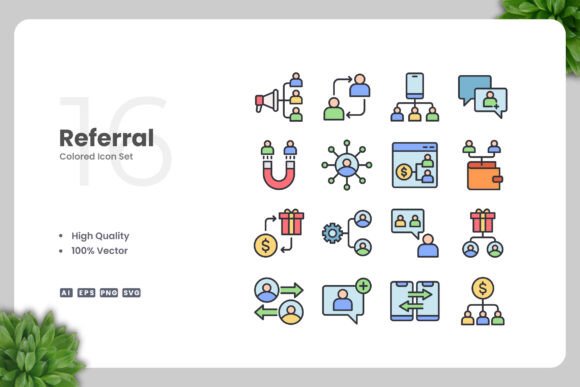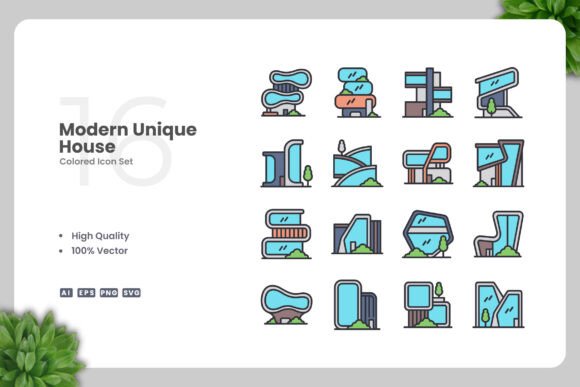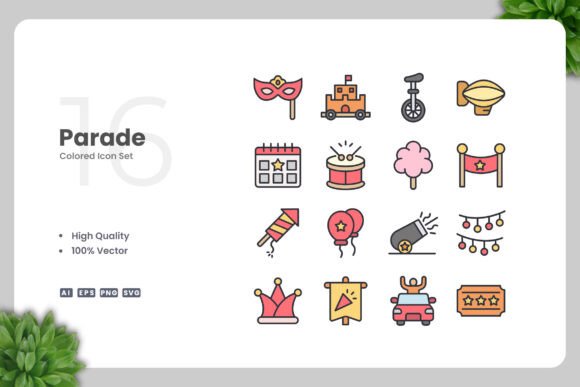
Parade Colored Icons for Every Project
Parade Colored Icons offer a versatile and stylish solution for anyone looking to enhance their visual projects. Whether you're designing a website, creating a mobile app, or working on a print brochure, these icons provide a professional touch that's easy to use and customize.
What Are Parade Colored Icons?
Parade Colored Icons are a collection of high-quality vector graphics designed with a simple and clean aesthetic. Each icon is crafted to be visually appealing while maintaining clarity and functionality across different sizes and formats. This makes them ideal for a wide range of applications, from digital platforms to physical materials.
Why Choose Parade Colored Icons?
If you're looking for a design element that can adapt to your needs, Parade Colored Icons are an excellent choice. Their clean design ensures they blend well with various themes and styles, making them suitable for both modern and traditional projects. The ability to resize and recolor the icons means you can tailor them to fit your specific requirements without compromising quality.
Key Features of Parade Colored Icons
- High Quality Design: Each icon is meticulously created to ensure sharpness and clarity at any size.
- 100% Vector: These icons are scalable without loss of quality, making them perfect for both digital and print use.
- 100% Customizable: You can easily change colors, adjust sizes, and modify details using vector editing software like Adobe Illustrator or CorelDRAW.
- Easy Drag and Drop: The files are user-friendly, allowing quick integration into your design workflow.
- Multiple File Formats: Access source files in AI, EPS, SVG, and PNG formats, ensuring compatibility with various tools and platforms.
- Readme.txt Included: A helpful guide is provided to assist with setup and usage.
Where Can You Use Parade Colored Icons?
Parade Colored Icons are incredibly versatile. They can be used in websites, mobile apps, books, social media posts, infographics, flyers, print materials, banners, posters, and more. Their simplicity and clarity make them suitable for both personal and commercial projects.
Practical Examples of Use
- Website Design: Add icons to navigation menus, buttons, or sections to improve user experience and visual appeal.
- Mobile Apps: Use icons to represent features, functions, or categories within your app, enhancing usability and aesthetics.
- Social Media: Incorporate icons into posts, profiles, or stories to create a cohesive and engaging visual identity.
- Infographics: Use icons to highlight key points, data, or concepts in a clear and visually pleasing way.
- Print Materials: Add icons to brochures, business cards, or presentations to make information more digestible and attractive.
Considerations Before Using Parade Colored Icons
Before incorporating Parade Colored Icons into your project, consider the following:
- Design Compatibility: Ensure the icons match the overall style and theme of your project.
- Resolution Needs: Check if the file formats meet your project's resolution and scalability requirements.
- Editing Skills: While the icons are easy to use, some familiarity with vector software may be helpful for advanced customization.
- Licensing: Review the licensing terms to understand how you can legally use the icons in your work.
Getting Started with Parade Colored Icons
If you're new to using icons in your designs, starting with Parade Colored Icons is straightforward. Begin by selecting the icons that best suit your project's needs. Then, download the appropriate file formats and import them into your preferred design tool. The included Readme.txt file provides guidance to help you get started quickly.
Whether you're a beginner or an experienced designer, Parade Colored Icons offer a powerful and flexible resource for enhancing your creative work. With their clean design, high quality, and ease of use, they are a valuable addition to any designer's toolkit. Explore the possibilities and bring your ideas to life with confidence and style.